 How-to
Wearable Wellness Tracking: A Practical Guide to Better Health
Last Updated: November 14, 2026
Quick Summary
Wearable wellness tracking uses a device worn on the body to collect health signals over time and turn them into patterns you can act on. A week is the minimum for a usable baseline, and two weeks is better. Track four or five metrics consistently rather than checking forty.
- Pick one device and one primary app for the baseline period, since switching scrambles your baseline.
- Set a fixed charging time, like your morning shower, to avoid a dead device overnight.
- Wear a new sleep device for three nights in a row; if you take it off, it's wrong for you.
- Step count is generally reliable, while calories burned is only a rough estimate.
- Review stress data weekly, not hourly, and change one habit per week.
Table of Contents
- What Wearable Wellness Tracking Actually Measures
- Setting Up Your Devices for a Week of Useful Data
- Choosing a Sleep Tracking Wearable That Fits Your Routine
- Stress Tracking Wearable Data: Reading the Signals Without Panic
- Fitness Tracker Accuracy: What the Numbers Can and Cannot Tell You
- Wellness Tracking Apps vs Wearables vs Human Coaching
- Turning Metrics Into Decisions Without Overtracking
- Bringing Your Wearable Data Into a Virtual Care Conversation
- Frequently Asked Questions
What Wearable Wellness Tracking Actually Measures
Wearable wellness tracking is the practice of using a device worn on the body to collect health signals over time, then turning those signals into patterns you can act on. Many people end up with plenty of data and very little understanding.
A sensor reads a physical signal, software turns it into a number, and that number only becomes useful when you compare it to your own baseline over weeks.
Sensors, Signals, and What Each One Can Tell You
Most wearables rely on a small set of sensors. Each one has limits worth knowing before you trust it.
- Optical heart rate sensors shine light into the skin and read blood flow changes. They work well at rest and less well during hard exercise or a loose strap.
- Accelerometers detect movement, driving step count, activity tracking, and sleep-wake estimates.
- Skin temperature sensors pick up small shifts from your norm that can reflect recovery, illness, or cycle changes.
- Galvanic skin response sensors estimate sweat gland activity, which some devices use as a stress signal.
- Pulse oximeters estimate blood oxygen; accuracy drops with motion and poor fit.
- GPS and barometers add pace, distance, and elevation for exercise monitoring.
The pattern to notice: every one of these is an estimate. A smartwatch doesn't measure sleep directly, it infers it from movement and heart rate.
The Metrics That Matter Most Day to Day
You don't need forty metrics. You need four or five you check consistently.
- Step count and daily activity for movement habits
- Resting heart rate as a rough recovery signal
- Sleep duration and sleep quality for the night behind you
If you want a deeper walkthrough of what each number on your dashboard means, see our guide to reading your health metrics. It covers the terms device apps rarely explain.
Setting Up Your Devices for a Week of Useful Data
A common mistake is wearing a device for two days and drawing conclusions. One week is the minimum for a usable baseline; two weeks is better.
Before Day One: Choose One Device and One App
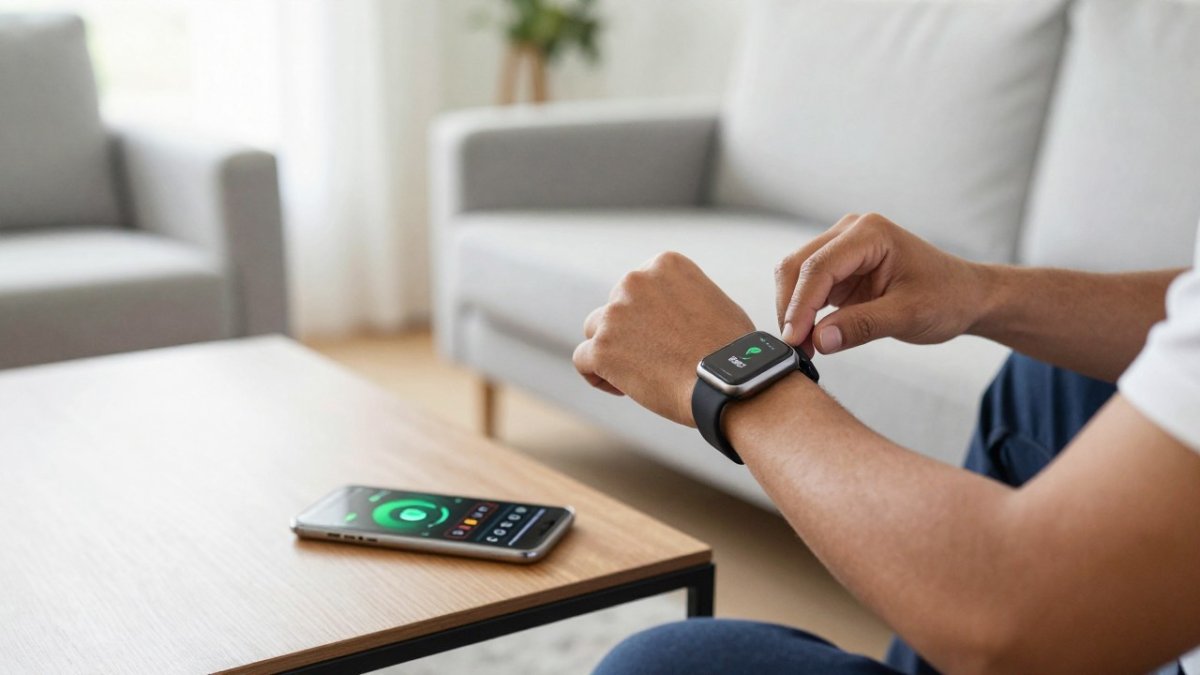
Pick a single wearable and a single primary app for the baseline period. Wearing two devices at once, or switching mid-week, scrambles your baseline because each device uses different sensors, sampling rates, and algorithms.
Set the device to its default automatic tracking mode and resist enabling every experimental feature. More sensors mean more variables to account for when something looks odd.
Day 1: Establish Fit and Charging Rhythm
- Tighten the fit. A loose band ruins heart rate readings. You want snug, not pinching, with the sensor flat against the skin.
- Pick a fixed charging time. Choose a time you're reliably inactive, like your morning shower. A fixed slot prevents the most common failure: a dead device at 2 a.m. on night four.
- Confirm overnight wear. Sleep tracking needs continuous wear. Wear it to bed on night one even if you sleep poorly, the bad night is data too.
Days 2-3: Tag Routines Without Changing Behavior
Name your routines in the app so it can separate workouts and wind-down time from idle hours. Tag a workout, a commute, and your pre-bed routine, but don't add new exercise or change your bedtime yet. You want a picture of your normal life, not your best behavior.
Days 4-5: Check Sync and Note Anomalies
Sync daily. Data syncing gaps are the most common reason a week of tracking turns into four usable days. Open the app each morning and confirm last night's data landed; if a night is missing, note why. Write one line about anything unusual, travel, alcohol, illness, a late meal, since those notes become essential when you interpret the numbers later.
Days 6-7: Calculate Your Personal Baseline
At the end of the week, don't judge any single day, look at the range. For each metric you care about, note the lowest and highest value across the seven days and the rough average.
Watch out: if you switch devices mid-week, wear one on each wrist, or travel across time zones during the baseline period, the week is not clean. Restart the seven days rather than interpreting scrambled data.
What to Do With the Baseline
Once you have a week of clean data, you have a reference point that belongs to you. From there, change one habit at a time and watch whether the range shifts, that's the difference between collecting data and using it. For a deeper walkthrough of what each number on your dashboard means, see our guide to reading your health metrics.
Choosing a Sleep Tracking Wearable That Fits Your Routine
The best sleep tracking wearable is the one you'll actually keep on all night. Comfort beats sensor count.
Sleep patterns are where wearables earn their keep. A device that logs bedtime, wake time, and overnight restlessness can show you a pattern you'd never notice from memory.
- Smart rings suit side sleepers and people who hate wristbands. Many need recharging every few days.
- Smartwatches offer the most features but feel bulky to some sleepers.
- Wristbands are light and cheap, with fewer sensors.
Try this test before you commit. Wear the device for three nights in a row.
Stress Tracking Wearable Data: Reading the Signals Without Panic
Stress tracking wearable data is a pattern, not a verdict. A single high reading means very little; a week of elevated readings alongside poor sleep tells you something worth examining.
Here is where people get scared. They see a stress score spike and assume something is wrong with them. In practice, a spike usually follows a late meal, a hard workout, alcohol, caffeine, or a bad night.
What Stress Sensors Actually Measure
Most wearables don't measure stress directly. They estimate it from heart rate variability, heart rate, skin temperature, and galvanic skin response. Each input is sensitive to fit, motion, and individual physiology, so a device that reads stress well at rest may read poorly during exercise. That's why a single number deserves skepticism and a trend deserves attention.
A Practical Way to Read Stress Data
- Look at the trend across seven days, never one day. One high afternoon is noise; five elevated days in a row is a pattern.
- Compare stress readings to your sleep data from the same night. Stress that rises when sleep drops is a different problem than stress that rises despite good sleep.
- Note what happened the day before a spike. Travel, alcohol, a hard workout, or a difficult meeting are common explanations.
Turning Stress Metrics Into Decisions Without Overtracking
Overtracking is real and common. When the numbers become the goal, people start gaming their devices and stressing about scores, the opposite of wellness. A simple rule keeps this in check: track a small set of metrics, review them weekly, and act on one thing at a time.
- Pick three metrics max for a month. For stress work, that might be stress score, sleep duration, and resting heart rate.
- Review weekly, not hourly. Daily checking fuels anxiety and turns normal variation into perceived failure.
- Change one habit per week and watch what moves. A consistent bedtime is a better first experiment than a supplement or a new app.
Mindfulness features on many devices also help here. For a structured method, our step-by-step guide on correlating sleep and stress with your own data walks through the exact process.
Fitness Tracker Accuracy: What the Numbers Can and Cannot Tell You
Fitness tracker accuracy varies by metric. Step count is generally reliable. Calories burned is a rough estimate.
That's the honest picture. Understanding these limits keeps you from over-trusting a number.
| Metric | Typical Reliability | Where It Struggles |
|---|---|---|
| Step count | High | Pushing a cart, cycling |
| Resting heart rate | High | Loose fit, cold hands |
| Heart rate during exercise | Moderate | High intensity, wrist movement |
| Sleep stages | Moderate | Restless sleepers, shift work |
| Calories burned | Low to moderate | Most daily activity |
| Blood oxygen | Moderate | Motion, poor fit |
For a direct look at how two major platforms compare, our breakdown of Fitbit vs Apple Health tracking covers accuracy and features side by side.
The practical takeaway: use your tracker to spot trends in your own data, not to compare yourself to someone else's numbers.
Wellness Tracking Apps vs Wearables vs Human Coaching
Each option solves a different problem. Wearables collect signals. Wellness tracking apps interpret them. Human coaching turns interpretation into action.
That layering is the part most people miss. A device's output is only useful when someone helps interpret it.
- Wearables excel at continuous monitoring and real-time feedback. They're weak at context.
- Wellness tracking apps can pull multiple sources together. Quality varies.
- Human coaching excels at accountability and personal context. It's the slowest and most expensive layer.
The strongest setup combines all three. A device sees your body. An app connects the dots.
This is the gap eeMeds is designed to address.
Turning Metrics Into Decisions Without Overtracking
If your app buries you in numbers, our guide to wellness app features that turn data into action shows which features are worth using and which just add noise.
Bringing Your Wearable Data Into a Virtual Care Conversation
Your data becomes far more useful when a clinician can see it.
Instead of describing your sleep as "bad," you can show the pattern.
A few practical steps:
- Export or sync your data before the appointment
- Note the two or three patterns that concern you most
- Mention any medications and how they've affected your sleep or energy
If you're managing a chronic condition or a GLP-1 journey, sharing context with a clinician can help.
When you're ready to bring your data into a real conversation, you can explore E&E Medicals virtual care and see how eeMeds™ and eeTeleHealth Plus™ work together.
Most people own a device that collects more health data than they know what to do with. The challenge isn't getting more numbers.
Frequently Asked Questions
What can wearable devices track about your wellness?
Most wearables track movement through step count and activity minutes, heart rate throughout the day, sleep duration and sleep patterns, and calories burned. Many also estimate stress through heart rate variability and offer guided breathing or mindfulness sessions. The data is useful for spotting trends over weeks, not for judging any single day. Pairing wearable wellness tracking with a simple journal or mood log gives you context the device cannot see on its own.
Can a stress tracking wearable measure mood accurately?
A stress tracking wearable estimates physical stress signals like heart rate variability and skin temperature, but it cannot read your emotions. A high reading might follow a hard workout, a difficult meeting, or poor sleep. Treat the number as a prompt to check in with yourself rather than a diagnosis. If stress or mood changes persist, talk with a licensed professional who can help you interpret the pattern alongside your own experience.
How accurate are fitness trackers for steps and heart rate?
Fitness tracker accuracy varies by metric and device. Step count is generally reliable for walking but can miscount during cycling or pushing a cart. Wrist heart rate is close to chest-strap readings at rest and during steady exercise, but it can lag during quick intervals or when the strap is loose. Sleep staging is the least precise measure. Use trends across weeks rather than treating any single reading as exact.
How do I use wearable data without becoming overly focused on it?
Pick one or two metrics to review weekly, such as sleep consistency or daily movement, and ignore the rest for now. Set the app to hide numbers you do not act on. If checking scores starts to feel compulsive, switch to a weekly review instead of a daily one. Wearable wellness tracking works best as a quiet background signal, and a coach or clinician can help you decide which numbers deserve your attention.